
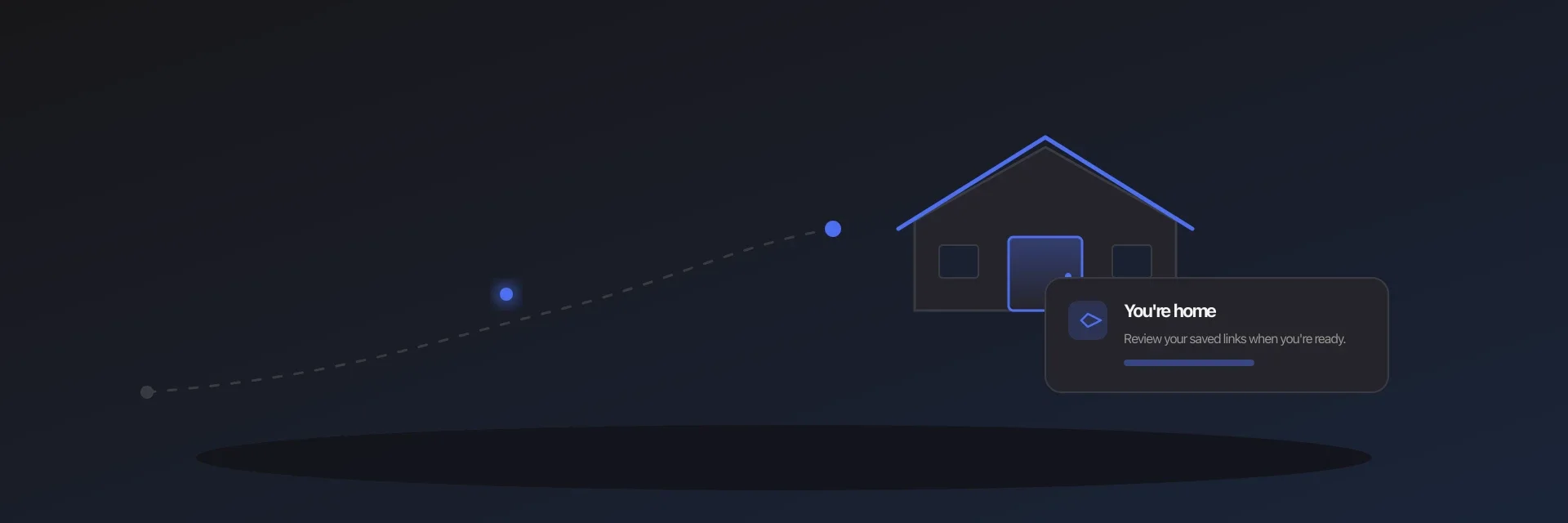
Daily digests fixed a real problem: read-later apps stored links and never brought them back. A notification at the start of your reading window is a cue you can trust.
Except when you are not free at that clock time. The train is late. You stayed out. Your phone is in your pocket on a walk. The digest still arrives — at the worst possible moment — or you dismiss it and the habit frays.
The best reading moment is often not a number on a clock. It is the moment you arrive somewhere you actually unwind.
Why clock-only reminders miss the room
A reading window assumes your day is predictable. Many days are not. When a reminder fires while you are still out, you have three bad options: open it on the sidewalk, snooze it into tomorrow's pile, or ignore it until the notification loses its meaning.
That is not a willpower problem. It is a mismatch between the cue and the life you are living that day. Newsletters work partly because you open them when you sit down at a screen. Your saved links deserve the same kind of place-based cue.


A better cue: your reading threshold
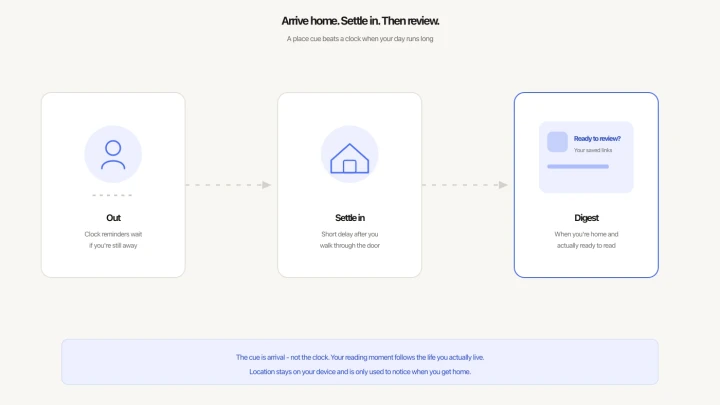
Think of home — or whichever place you choose — as a threshold. Bags down. Shoes off. A few minutes to land. That is when a calm “ready to review?” prompt fits, not when you are still commuting.
Pair that with a short settle-in delay so the reminder waits until you are actually inside and settled, not the second you cross the block. Leave again before the delay finishes, and nothing fires. Come back, and the pause starts again.
How Refloat does arrive-home resurfacing
Refloat keeps your usual reading window. Arrive-home resurfacing is an optional layer on top:
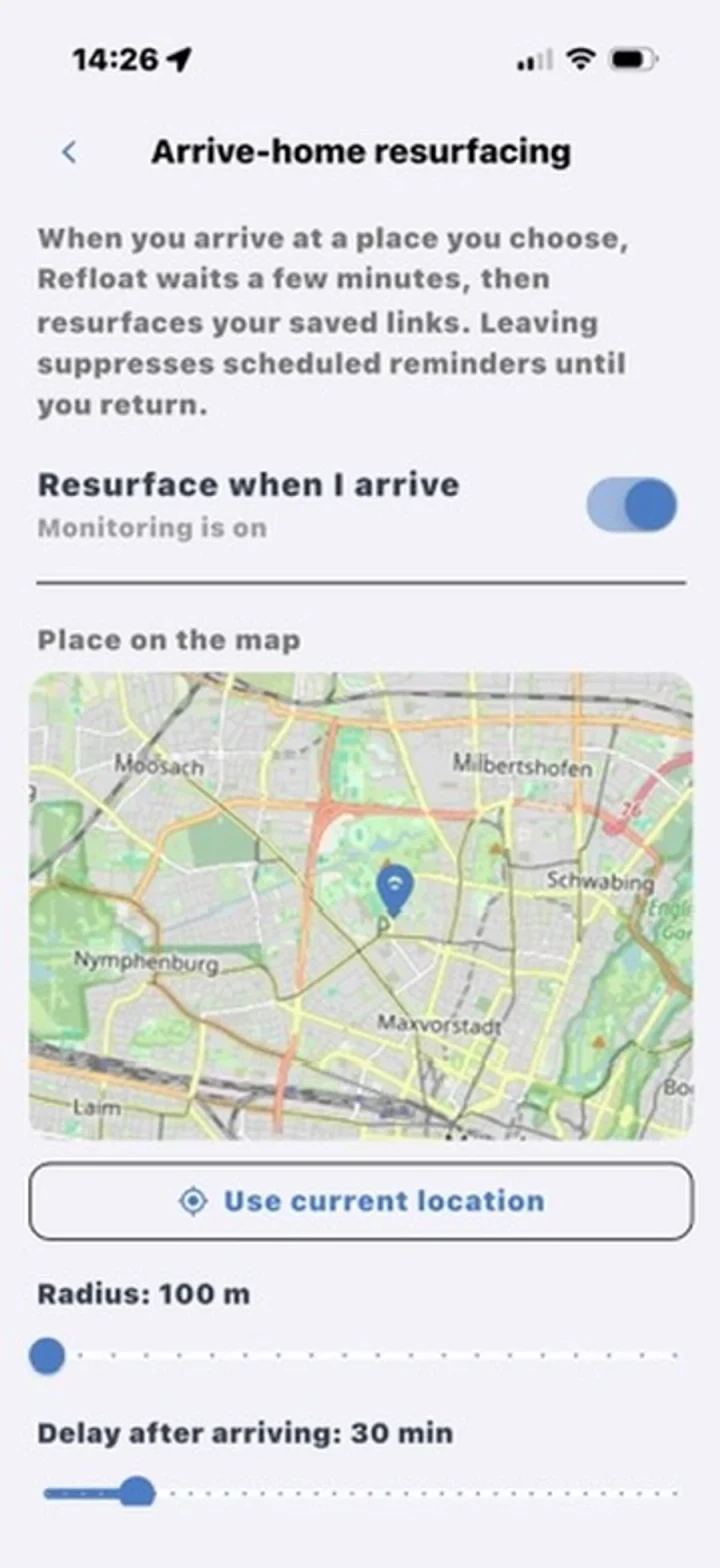
- Pick a place on a map — usually home, sometimes an office or cabin. You set a radius that matches how you arrive.
- Choose a settle-in delay — often 15–30 minutes — so the digest waits until you have walked through the door and slowed down.
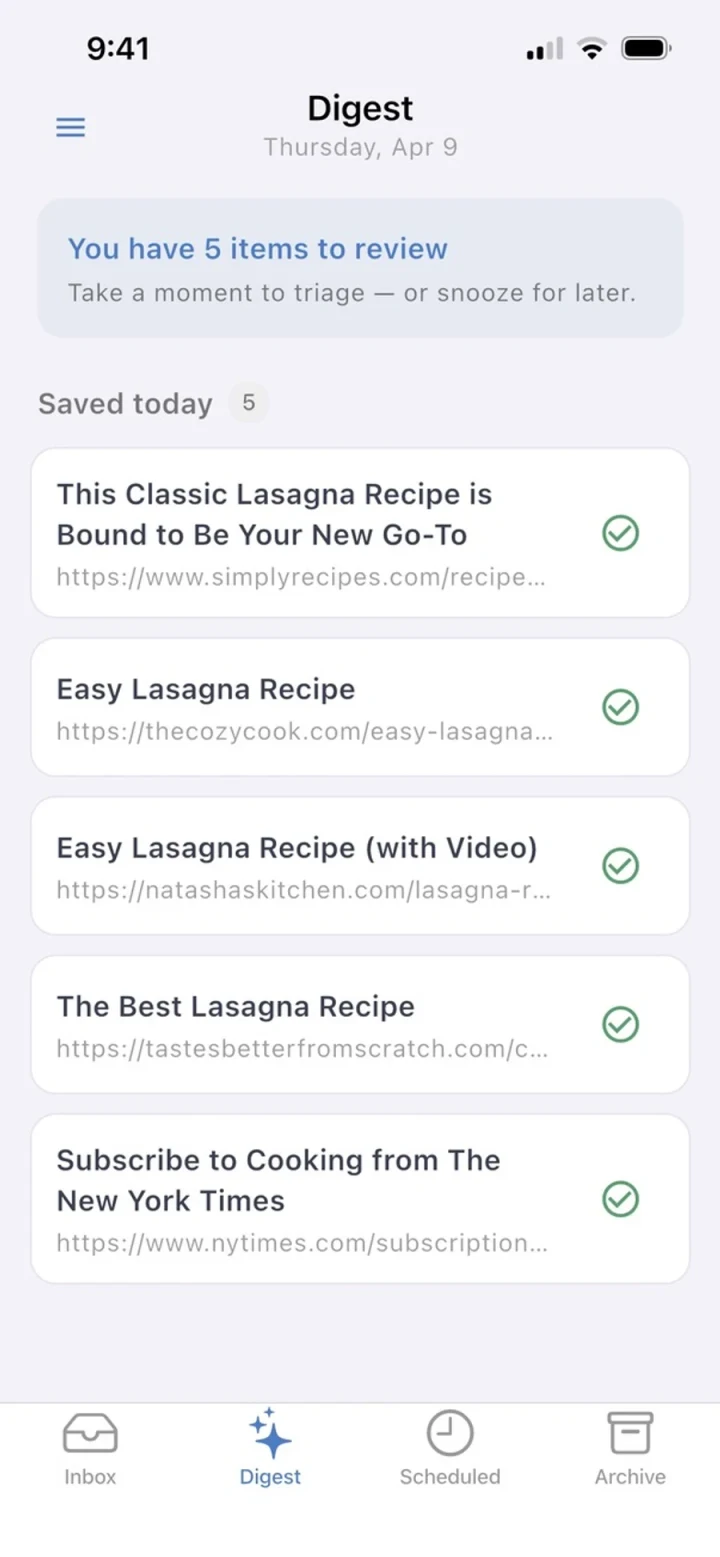
- Get a digest when you are home. If you still have pending links, Refloat brings them back. If you were out when your usual notification time hit, those pushes wait until you return instead of interrupting you outdoors.
You still save in two taps from any app. The difference is when the app asks you to look — tied to the place where reading actually happens.




Privacy, plainly
Arrive-home resurfacing needs “Always” location access so Refloat can notice when you arrive even if the app is closed. Your location stays on this device. It is not uploaded. It is only used to detect arrival at the place you chose.
If you never enable it, nothing changes: you still get digests in your reading window. Arrive-home is optional infrastructure for people whose best reading cue is the doorway, not the alarm.
When this helps most
If your evenings are consistent, a clock digest may be enough. If your days stretch, meetings overrun, or you save links while out and only have attention after you get home, a place cue closes the gap between “I meant to read that” and actually opening it.
The goal is the same as every other Refloat design choice: less graveyard, more resurfacing — attached to a moment you already live.

